Unified Communication
PBX
Voipswitch’s Unified Communication enables providers to offer a cloud business communication solution for enterprise customers.
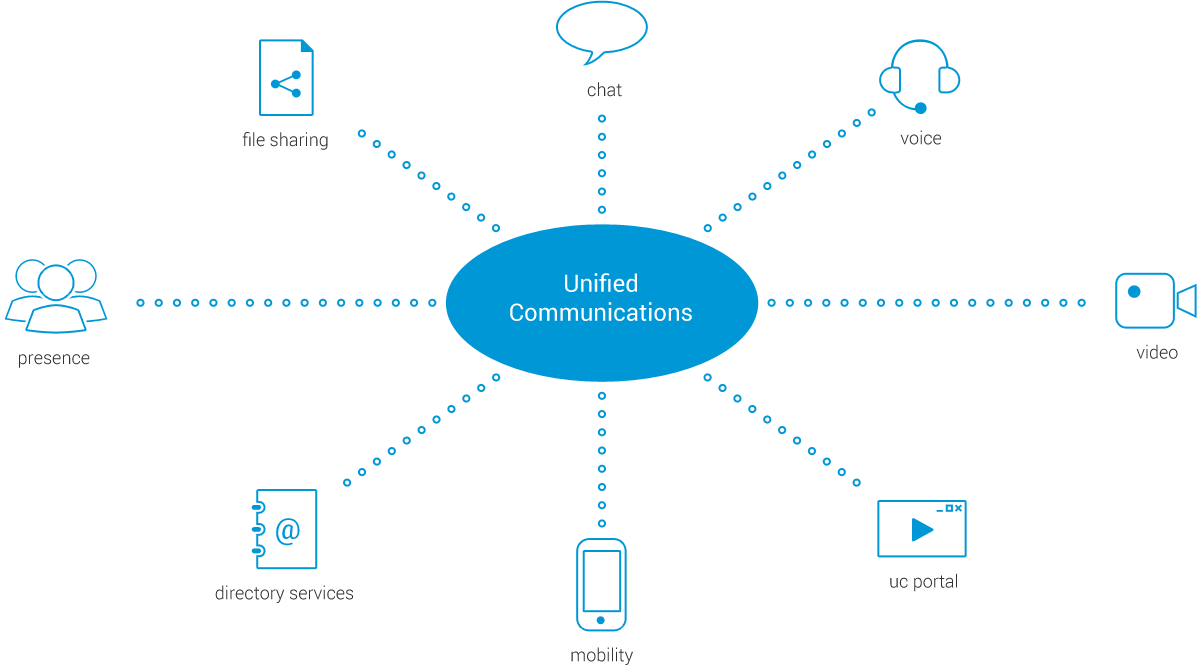
Unified Communication (UC) combines PBX services with collaboration features such as presence, video, conferencing and messaging into a single solution.
UC blends previously separate services and features, making communication possible by various means and via multiple devices.
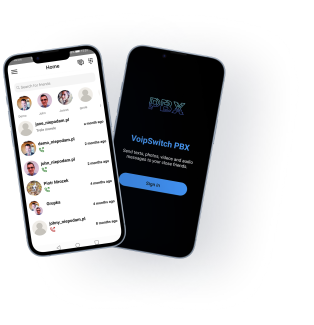
Smartphones
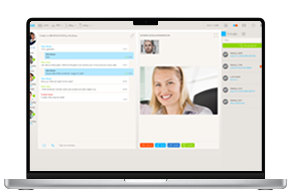
Web browser
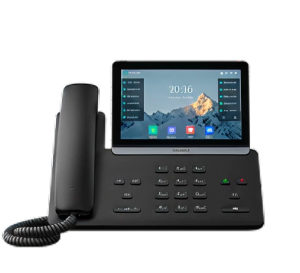
VoIP devices


- Essential enterprise telephony features
- Flexible billing with support for per seat subscriptions
- Mobility through its UC softphones with Rich Communication Features
- Self-care UC Portal with account management and communication features
- Provisioning for VoIP devices
- List ItemWeb API for connecting external systems
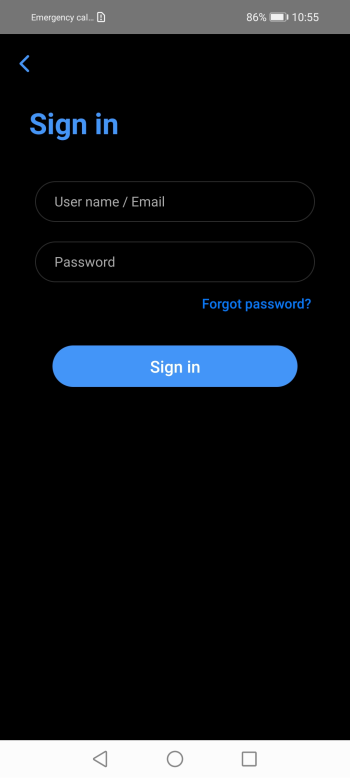
Sign in
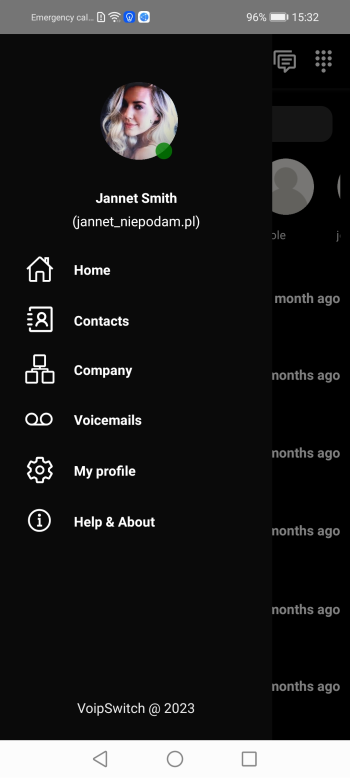
Main menu
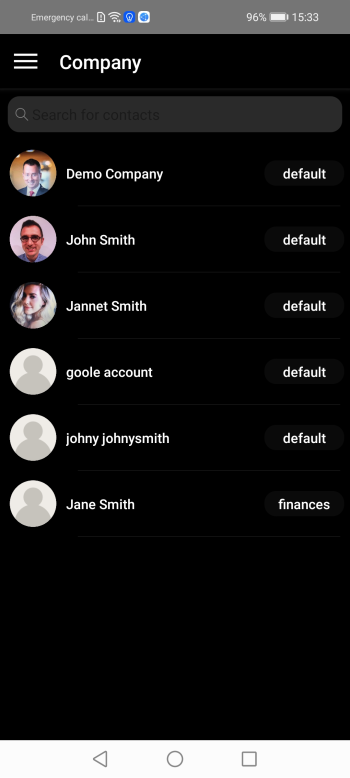
Company structure
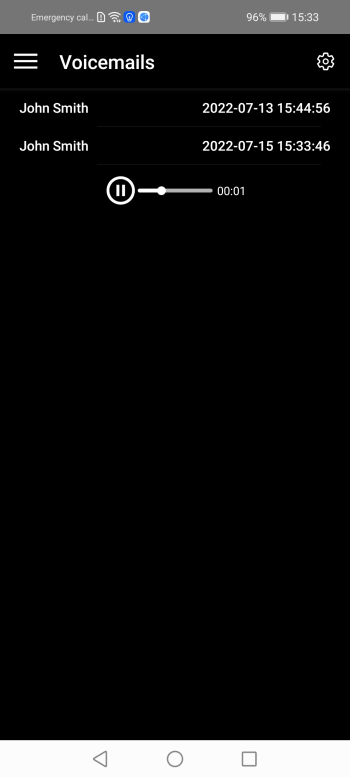
Voicemails
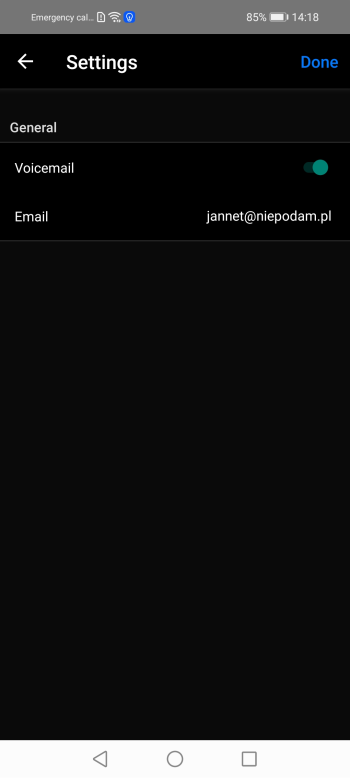
Voicemail Settings
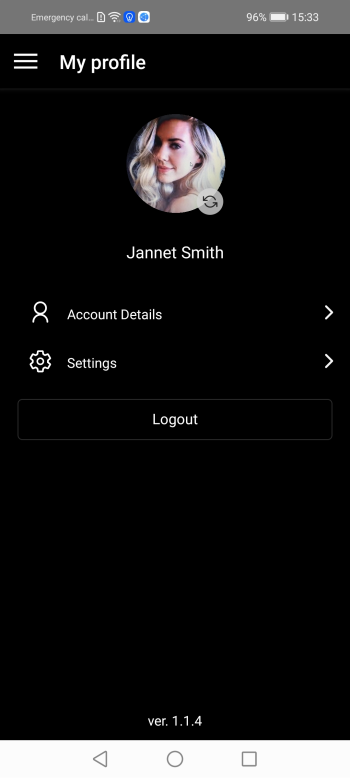
My Profile
Help & About
Voicemail
- Individual voicemail boxes
- Group voicemail boxes
- Voicemail to e-mail (MP3 file)
- Voicemail notification through IM or Message Waiting Indicator
- Personalized greetings per Caller ID
Mobility
- Mobile clients for Android and iOS
- Sip devices provisioning via SMS or log in with email and password
- RCS features – IM, file sharing, presence
- HD audio and video calling
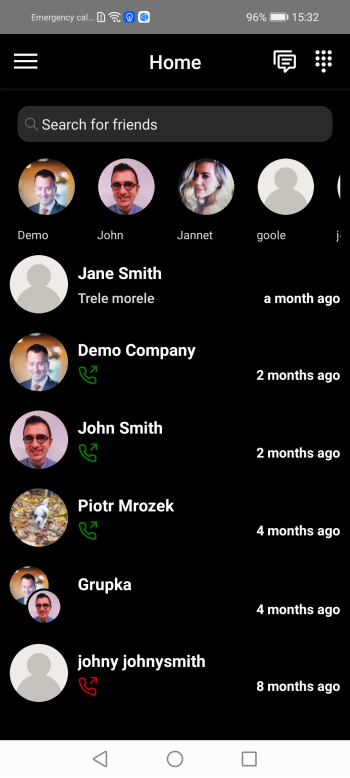
Home dark mode
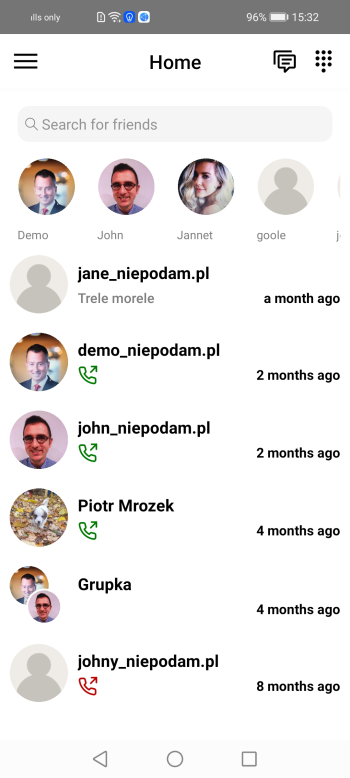
Home white mode
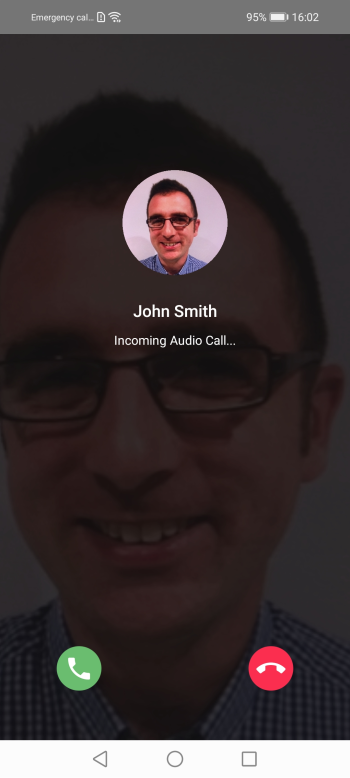
Incoming call
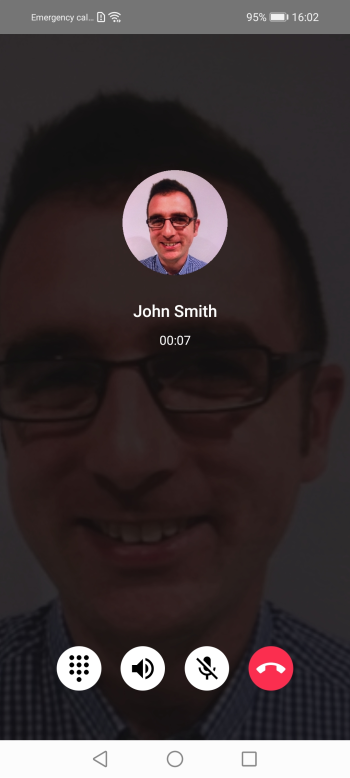
Call view
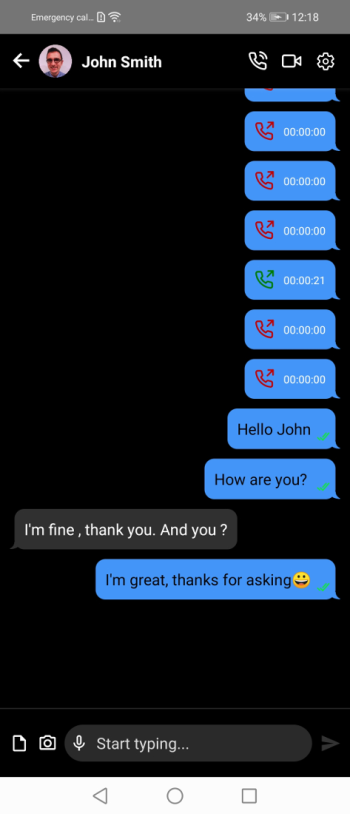
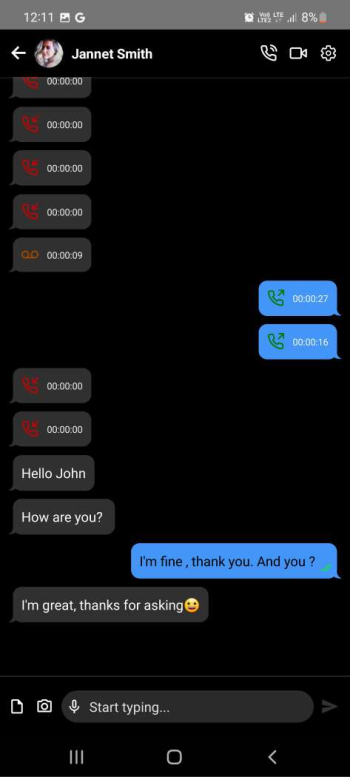
Chats
Encryption
- All user-to-user communications, using the mobile apps or the portal, are fully encrypted, that includes chat, audio and video calls
PUSH
- PUSH support for mobile clients and User Portal – receiving calls and IM even if the browser or the app is closed
Quality
- High quality audio & video calls
Shared Network Address Book
- Company Directory
- Shared Address Book stored in the cloud
- Private address book (not visible to others) accessible from mobile clients and the User Portal
Presence and Instant Messaging
- Availability – online, last seen, busy
- Presence status text
- Instant messaging with delivery and display confirmation
- Typing notification
- Multimedia file sharing
- Geo-location sharing
- Documents sharing – pdf, docs etc.
Main features
Multitenant architecture
- One platform can be home for many enterprise accounts, each with their own accounts and extensions
- User accounts based on email addresses
- Support for multi-level branches/departments
- Multiple extensions per user account (different purpose numbers)
Group collaboration
- Unlimited number of participants
- Multiple admins support
- Sharing documents and media files
- Delivery and display confirmation
- Group avatar
- Inviting people from outside of the company via email
- Audio conferencing
- Access for non-users by clicking a link directly through web
- Access to the group’s audio conference through an access number (DID) from a regular phone (secured by a PIN)
Web Portal
- One platform can be home for many enterprise accounts, each with their own accounts and extensions
- User accounts based on email addresses
- Support for multi-level branches/departments
- Multiple extensions per user account (different purpose numbers)
Auto attendants
- Unlimited number of participants
- Multiple admins support
- Sharing documents and media files
- Delivery and display confirmation
- Group avatar
- Inviting people from outside of the company via email
- Audio conferencing
- Access for non-users by clicking a link directly through web
- Access to the group’s audio conference through an access number (DID) from a regular phone (secured by a PIN)
Essential telephony/PBX features
- Scheduled routing with time spans
- Ring Groups
- Find me, follow me
- Conditional Call Forwarding per CallerID, with personalized greetings per forwarding rule
- Call Transfer – blind and attended
- Music on hold
- Call parking
- Do Not Disturb, also per Caller ID
- CallerID – can be set to show a user’s mobile number or DID, or one of the company’s DIDs
Click to call
- Click to call URLs managed from Dialing plan, with support for timespans
- A URL can point to a user or to a hunt group
- The option for users to create their own URL from My profile
- Provisioning for SIP devices
- Support for audio, video and IM with file sharing
Other options
- Greetings management
- DIDs integration with API of major DID providers allowing for real time DID ordering
- Provisioning for SIP devices
- Fax sending from the Portal, received via email or via Portal
- PUSH support for mobile clients and User Portal – receiving calls and IM even if the browser or the app is closed
Calls monitoring
- Admin user can monitor all ongoing offnet calls
- Admin can enable call recording per user; only offnet calls will be recorded, internal communication is encrypted
- Admin can listen to the previously recorded calls as well as ongoing calls via the User Portal
FAQ
Find answers to the most common questions about our cloud PBX platform, including supported devices, communication features, security, integrations, and business management capabilities. Everything you need to know before getting started, all in one place.
What devices can I use with the platform?
Does the platform support remote and hybrid teams?
What communication features are included?
Is communication secure?
Can the system integrate with other business applications?
Can I manage multiple companies or departments from one platform?
Free Demo Session
Please add information that might help us answer the question the best way possible.